

Getting Started With Wireframing
Understand how to plan your website layout before diving into design. Learn simple wireframing techniques that don’t require special tools.
Read MoreLearn the essentials of creating beautiful, functional websites. Start your journey in web design with clear, practical guidance tailored for Malaysia’s growing digital community.
Whether you’re interested in website creation or understanding design basics, we’ve gathered the most useful resources to get you started. No coding experience needed — just curiosity and willingness to learn.

Explore foundational concepts and practical techniques to build your web design knowledge
Understand how to plan your website layout before diving into design. Learn simple wireframing techniques that don’t require special tools.
Read More
Discover how to choose colors and fonts that work together. Learn the design principles that make websites feel cohesive and professional.
Read More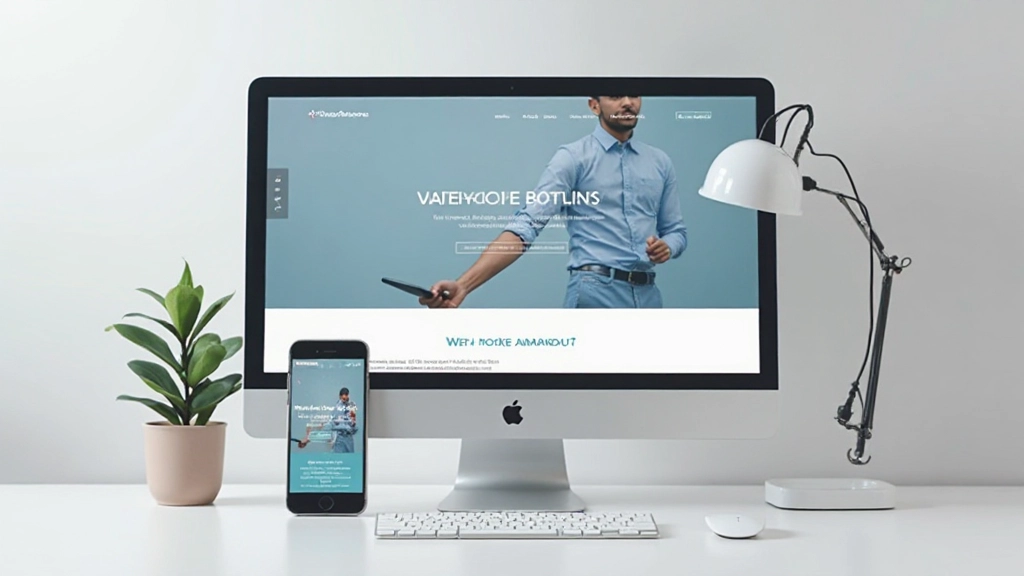
Learn why mobile-friendly design matters and how to create websites that look great on phones, tablets, and computers. It’s simpler than you think.
Read More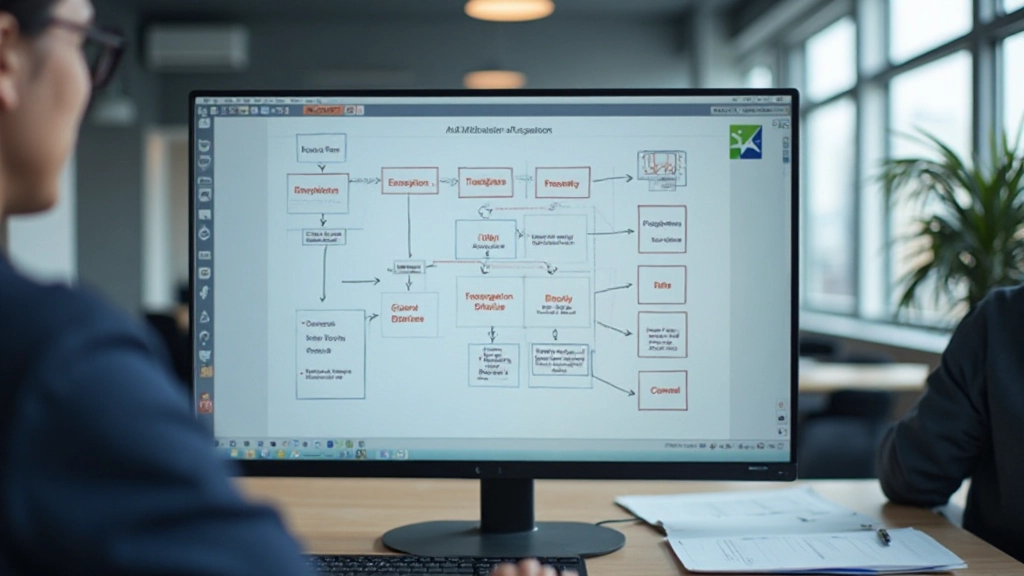
Understand how visitors move through your website. Create intuitive navigation that helps people find what they’re looking for without frustration.
Read MoreEvery great website follows a few basic principles. Understanding these fundamentals will help you make better design decisions, whether you’re building your first site or refining an existing one. These aren’t rigid rules — they’re guidelines that experienced designers use to create websites that actually work.
Guide your visitor’s eye to the most important elements first. Use size, color, and spacing to create clear priority. The biggest headline draws attention before smaller supporting text.
Empty space isn’t wasted space. It gives your content room to breathe and makes pages easier to read. Don’t feel pressured to fill every pixel — less is often more.
Use the same fonts, colors, and spacing patterns throughout your site. When everything feels consistent, visitors trust your website more and find it easier to navigate.
Design for everyone, including people with different abilities. Use readable fonts, sufficient color contrast, and clear labels. Accessible design benefits all users.
You don’t need expensive software to start learning web design. Many professional tools offer free versions or are completely free to use. Here’s what beginners in Malaysia typically start with:
Start with design tools like Figma (free plan available), Adobe XD, or even simple sketch paper. For website creation, platforms like WordPress, Wix, and Webflow let you build without coding. Text editors like VS Code are completely free if you want to learn HTML and CSS basics.
Figma, Adobe XD, Sketch, or even PowerPoint work for initial wireframes and mockups.
WordPress, Wix, Webflow, or Squarespace let you build real websites without coding knowledge.
VS Code, Sublime Text, or Atom for learning HTML, CSS, and JavaScript basics.
YouTube, Codecademy, Udemy, and free tutorials provide step-by-step guidance for every skill level.