

Color and Typography Essentials
Discover how to choose colors and fonts that work together. Learn the design principles that make websites look professional.
Read GuidePlan your website layout before you design. Learn simple wireframing techniques that don’t require special tools or expensive software.
Wireframing is where good web design starts. It’s the bridge between your idea and the final product — a simple blueprint that saves you time and prevents costly mistakes later.
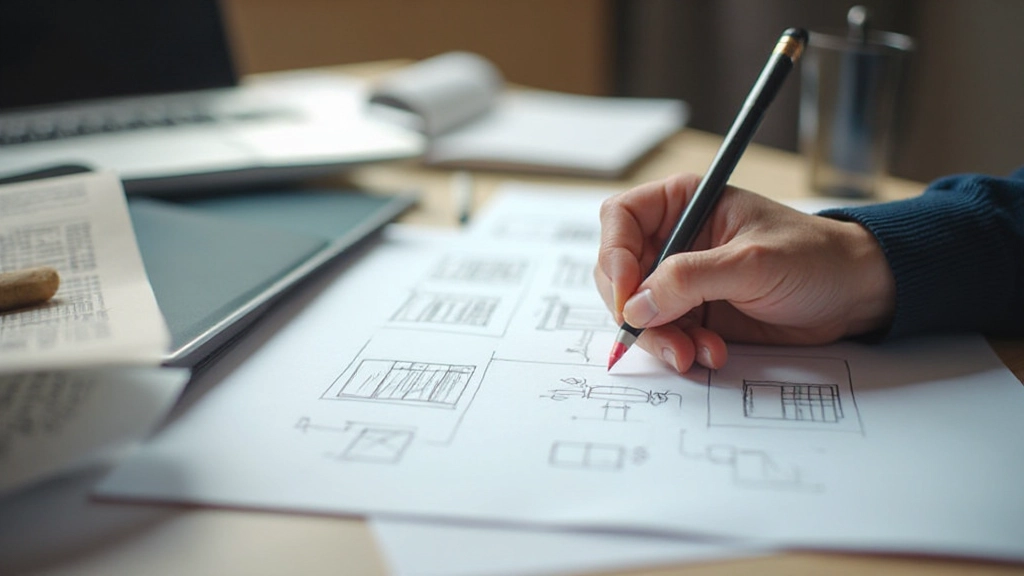
Before pixels and colors, structure comes first
You’re excited about building a website. Maybe you’ve got ideas about colors, fonts, and fancy effects. But here’s the thing — jumping straight into design without planning is like building a house without blueprints.
Wireframing gives you that blueprint. It’s a low-fidelity sketch that shows where content, buttons, images, and navigation go. Nothing fancy. Just shapes, lines, and labels.
The best part? You don’t need expensive tools. A pencil and paper work just fine.
From idea to structured layout
What’s the website for? Who visits it? What actions do you want them to take? Write these down. This clarity drives everything else in your wireframe.
Draw rectangles for sections, lines for navigation, and blocks for content. Don’t worry about looks — just show where things go. Paper works. A whiteboard works. Digital tools work too.
Show your wireframe to someone else. Ask if they understand the layout. Does the navigation make sense? Are buttons where they’d expect? Adjust based on feedback.
A solid wireframe includes specific components that guide your design process. You’re not creating art here — you’re creating a functional roadmap.
Label everything. Mark where images go. Note if content is text or video. The more specific your wireframe, the fewer questions your designer or developer will have later.

From paper to digital — pick what fits your style
Paper and pencil — Seriously. Fast, flexible, and forces you to think simply. Snap a photo when you’re done.
Google Docs or Sheets — Draw basic shapes. Insert rectangles and text boxes. Free and everyone knows how to use it.
Figma — Free tier available. Great for collaborative wireframing. Designers love it.
Balsamiq — Specifically built for wireframing. Clean, simple interface. Around $12/month.
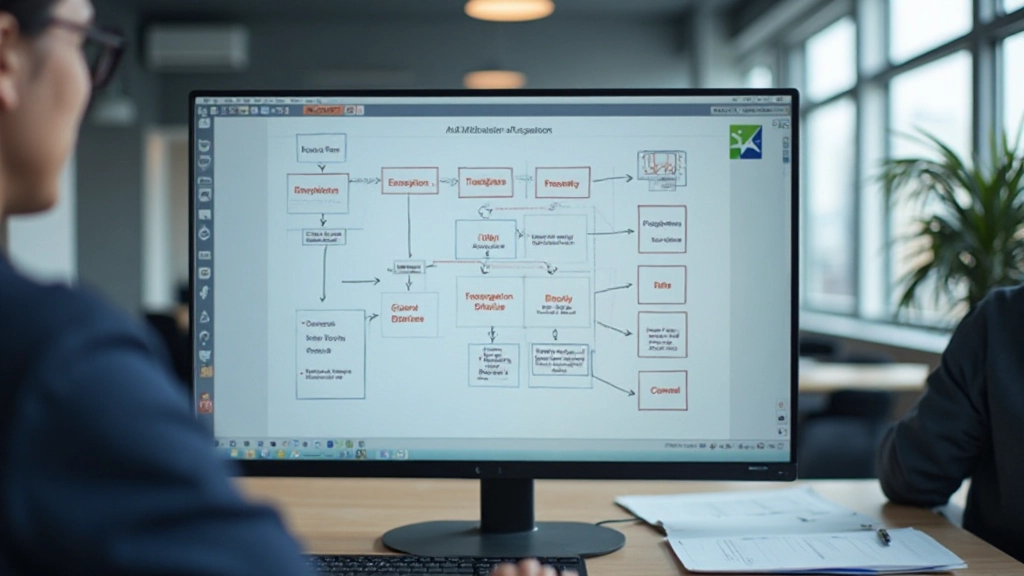
Mistakes to avoid on your first wireframe
Stay focused on layout. Save design decisions for later. Gray boxes and black lines are your friends.
Use labels clearly. If someone doesn’t know what a section does, your wireframe failed. Be specific about content types.
Your first version won’t be perfect. That’s the point. Fast iterations catch problems early, when changes are cheap.
Show your wireframe to others before you invest time in design. Fresh eyes catch things you’ve missed.
Create wireframes for both desktop and mobile. They’ll look different, and that’s okay. Start thinking responsive from the beginning.
Where will a visitor’s eye go first? What’s the main action you want them to take? Build your layout around user behavior.
“A good wireframe is worth a thousand words. It saves your team from building the wrong thing and saves your users from confusion.”
— Design principle from web accessibility standards
Wireframing isn’t intimidating once you realize it’s just planning on paper. It’s not about being an artist. It’s about being strategic.
Start with your next project — even a small website. Spend an hour sketching out where everything goes. Test your ideas before building them. You’ll save time, reduce revisions, and end up with a better final product.
The difference between websites that work and websites that confuse people often comes down to solid planning during the wireframing stage. Don’t skip it.
Wireframing is just the first step. Our web design fundamentals course covers everything from planning to launch.
Explore More Guides
This guide provides educational information about wireframing techniques and best practices in web design. The principles discussed are general guidance based on established design standards. Every website project is unique, and results depend on your specific goals, audience, and implementation. For professional web design services or custom solutions, consult with qualified designers and developers in your area.